Trimble Unity Maintain is Trimble’s GIS-centric enterprise asset-management platform, bringing together capabilities from Cityworks and other Trimble products. Start evaluating it around the assets you maintain and the decisions your teams make, rather than treating the current name as a guarantee that an older installation has identical functions. Current product overview.
Which problem belongs where?
Use this decision map when preparing a requirements discussion. Trimble lists Maintain, Permit, Construct and Field as distinct parts of its Unity family; the examples below are editorial ways to separate their scopes. Trimble Unity family.
| Your main question | Discussion to start | Evidence to bring |
|---|---|---|
| Which existing asset needs inspection or repair? | Maintain: asset and maintenance work | Asset ID and sample work record |
| How should a permission or licence application progress? | Permit: regulatory application workflow | Application and review stages |
| How do we manage a capital programme? | Construct: capital project management | Project controls and handover requirements |
| How will a crew work away from the office? | Field: mobile workflow requirements | Device, connectivity and assigned task |
These boundaries do not mean systems cannot connect. They prevent an evaluation from silently expanding into unrelated requirements without checking the necessary products and integrations.
Worked example: one new pumping station
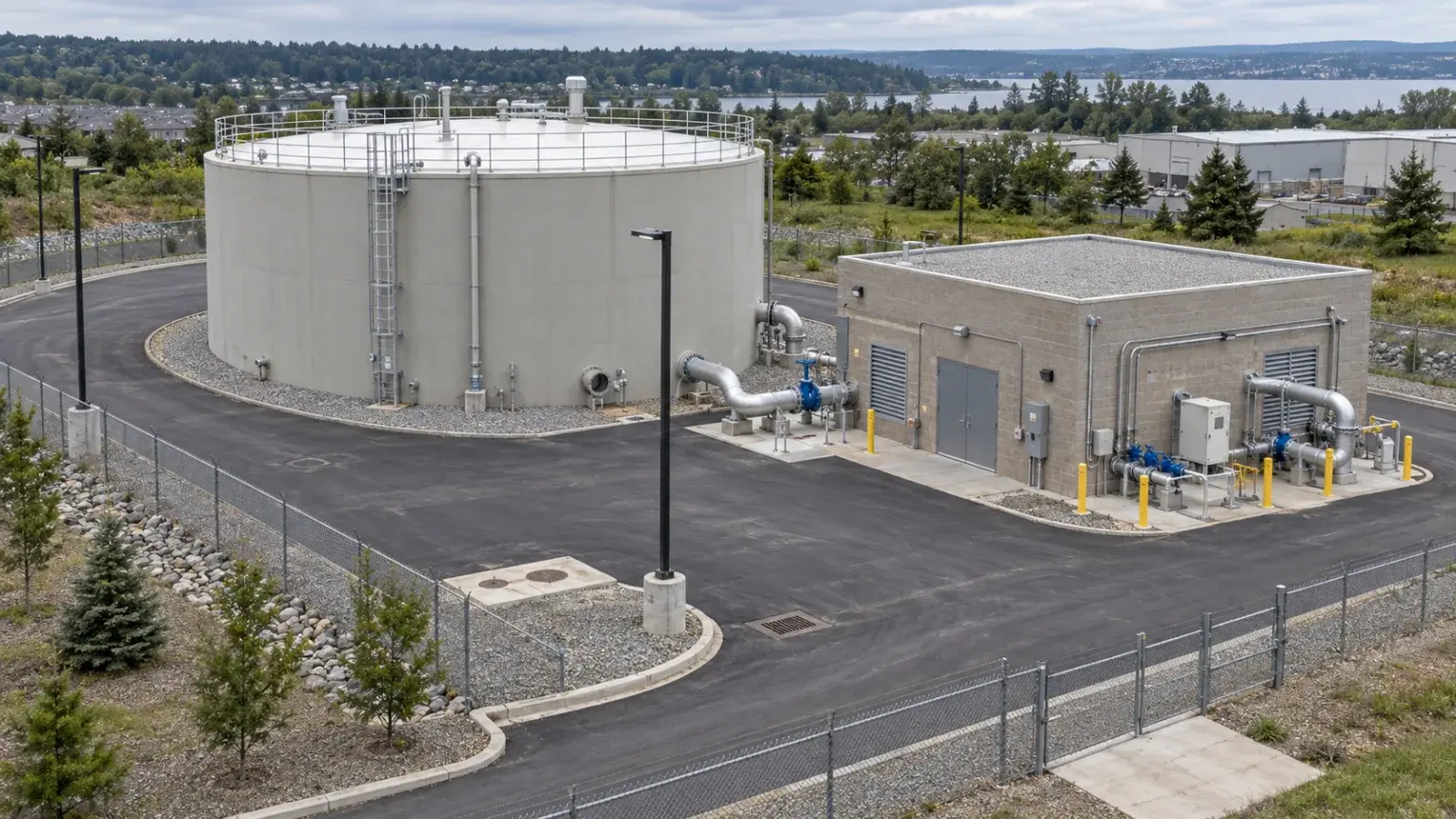
In a hypothetical project, a utility is building a pumping station. Its capital team tracks delivery, while the operations team needs maintainable asset records after handover. Write two separate acceptance statements: “The project team can trace construction decisions” and “The maintenance team can identify each pump and retrieve its service history.”
The handover deliverable is a list linking the station, individual equipment identifiers, location, accepted documentation and responsible maintenance team. A project marked complete is insufficient evidence that this list is ready. Agree who checks the list and what happens when an equipment identifier is missing.
What does ArcGIS contribute?
Trimble states that GIS remains the authoritative source for asset data. In your pilot, therefore, identify who owns changes to location, identifiers and asset attributes. Separately identify who owns work status and intervention records. Maintain product FAQ.
A useful failure test is a moved or replaced asset. Can your proposed workflow preserve the old maintenance history while correctly representing the current equipment? A successful demonstration should explain that decision rather than merely showing a marker moving on a map.
What should you ask before selecting a scope?
Bring one ordinary task and one exception. Ask which capabilities, licences, ArcGIS environment and integrations each needs. Record unresolved requirements with an owner; do not turn them into assumed features. Test permissions using the actual office and field roles.
For a complete sector example, read water-network maintenance with Unity Maintain. Use that process to make a short pilot concrete before expanding to every department.
Plan your next step
Review InfoGraph’s Trimble offering and GIS implementation services. Contact our team with a sample asset record and the decision you need the workflow to support. For GIS data and field-collection skills, explore the training catalogue and confirm the relevant course scope; a dedicated Maintain course is not assumed.
Explore the published guides
- Could Unity Maintain Support Solid-waste Asset Maintenance?
- How Could Industrial Estates Manage Shared-infrastructure Maintenance?
- How Can Campus Teams Coordinate Maintenance Across Buildings and Utilities?
- Could Unity Maintain Fit a Port Estate’s Infrastructure Maintenance?
- Where Should an Airport Start a GIS-based Maintenance Pilot?
- How Should Fleet Maintenance Connect with Municipal Field Work?
- How Can Fiber Maintenance Records Stay Connected to GIS?
- How Should Gas Utilities Link Inspection Findings to Work Orders?
- How Can Electrical Asset Inspections Support Maintenance Planning?
- How Should Public Facilities Organize Their Maintenance Asset Records?
- How Can Parks Teams Turn Inspections into Clear Maintenance Tasks?
- How Should Municipalities Link Lighting and Traffic Faults to the Right Asset?
- How Can Municipalities Track Street and Sidewalk Defects Through Repair?
- How Should Drainage Teams Plan Inlet Inspections and Cleaning?
- How Can Sewer Inspection Findings Become Traceable Maintenance Work?
- Which KPIs Should a Water-maintenance Team Use First?
- When Should a Water-monitoring Alarm Create a Maintenance Work Order?
- How Should Water Teams Prioritize Maintenance When Resources Are Limited?
- What Records Make Pump-station Maintenance Easier to Trace?
- How Should a Water Utility Plan Valve Inspections and Follow-up?
- How Do Service Requests, Inspections and Work Orders Differ?
- What GIS Asset Data Should You Prepare for a Unity Maintain Pilot?
- How Can Trimble Unity Maintain Help Maintain Water Networks?