A sewer finding becomes actionable when it identifies the assessed asset, the observation’s location, the supporting evidence and the person responsible for deciding the next step. An uploaded video alone does not establish an assigned maintenance task.
Sewer is a documented Cityworks asset group. This supports the application area, not a guarantee of a particular CCTV integration or automated defect assessment. Official asset groups.
Build a finding-to-action register
| Proposed entry | Why it matters |
|---|---|
| Pipe or chamber identity | Keeps the observation attached to the intended asset |
| Survey direction and reference point | Makes the observed location interpretable |
| Inspected extent | Distinguishes partial coverage from a complete assessment |
| Evidence reference and date | Lets a reviewer retrieve the relevant material |
| Reviewed decision | Separates observation from cleaning, repair or further investigation |
| Work reference and acceptance | Shows who owns follow-up and what closes it |
Choose defect terminology and assessment methods with the responsible technical team. The register is not a substitute for their inspection standard.
Worked example: only part of the pipe was inspected
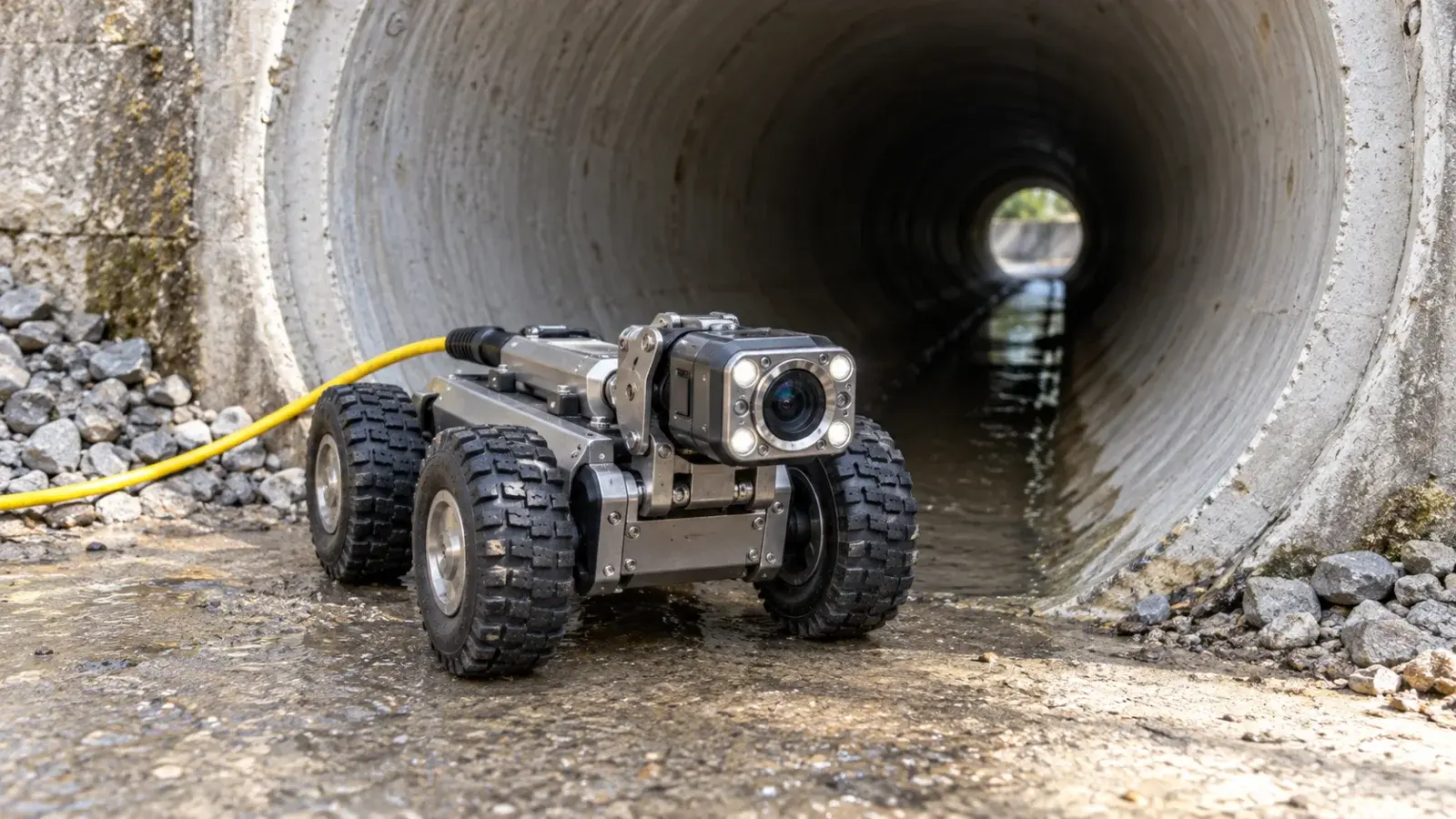
In a hypothetical survey, inspection proceeds along 40 metres of a 100-metre pipe before access is obstructed. An observation at 25 metres is documented, while the remaining 60 metres are unassessed. Record both the observed finding and the coverage limitation.
A reviewer may propose one task to investigate the documented finding and another to restore access or complete the assessment. Do not mark the entire pipe “inspected, no further issues” because the file uploaded successfully. Its unobserved portion remains unknown.
If a contractor measures from the opposite end on a return visit, reconcile the reference direction before treating two observations as separate defects. Preserve the original evidence and the reason for any corrected association.
What should an integration demonstrate?
Use sample evidence to test asset matching, repeat imports and review status. If specialist inspection software supplies data, verify the exact supported formats and identifiers with the integration provider. A failed import needs a visible owner and retry process; this article does not assert those features are preconfigured.
Close the decision loop
Give a supervisor one observation reference and ask for its reviewed decision, assigned work and acceptance evidence. Then inspect an incomplete survey and confirm that its missing coverage remains visible. These two tests assess usefulness more directly than counting uploaded files.
The request, inspection and work-order guide helps define the records without collapsing every observation into a repair.
Plan your next step
Review InfoGraph’s Trimble offering and GIS implementation services. Contact our team with a sample asset record and the decision you need the workflow to support. For GIS data and field-collection skills, explore the training catalogue and confirm the relevant course scope; a dedicated Maintain course is not assumed.