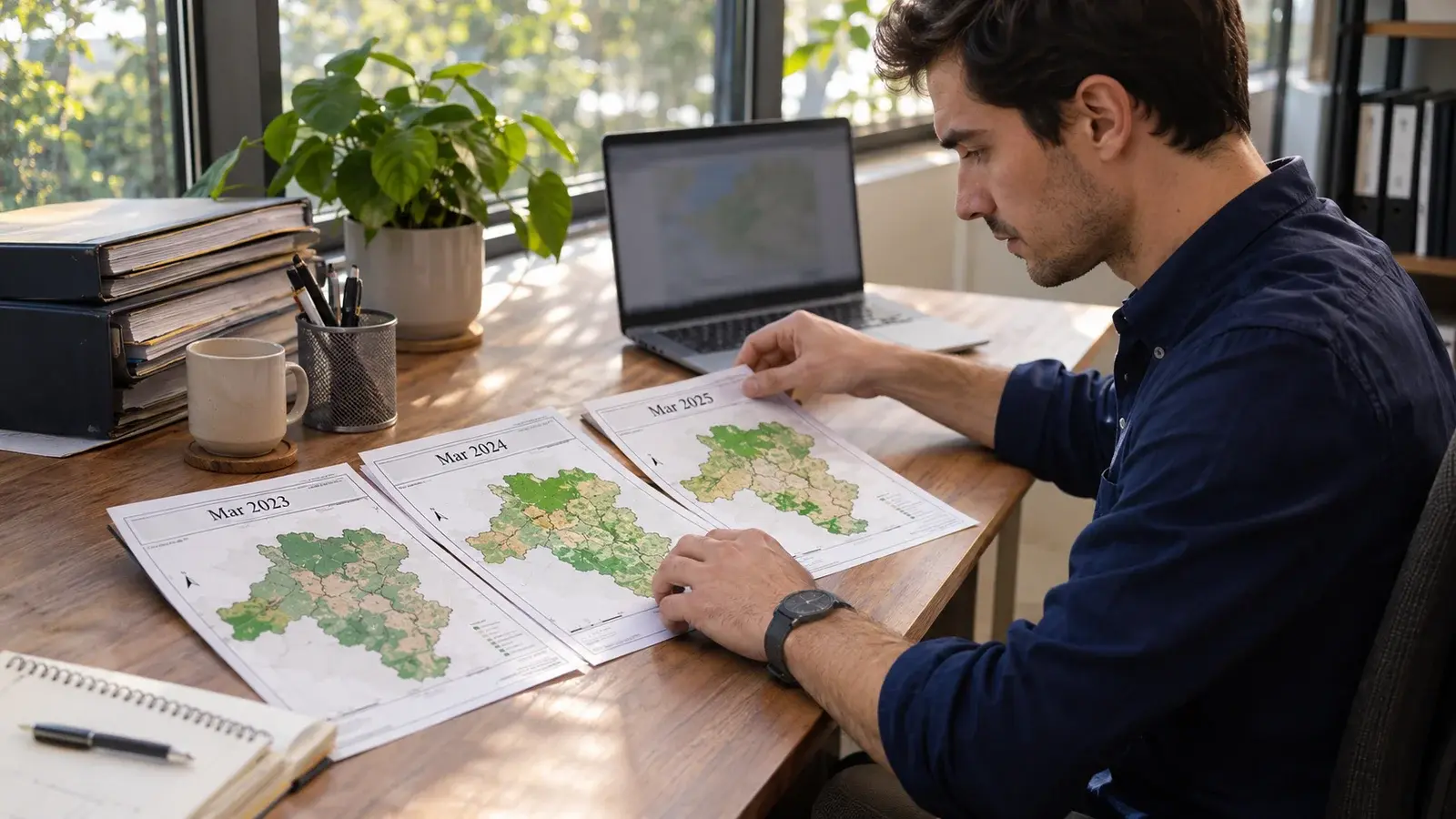
Choose Python tooling around the work, execution environment and recovery plan. A recurring GIS job may need both libraries.
The request: “Automate our weekly update”
That sentence hides several operations. A hypothetical team receives a local dataset, checks it, creates an output and updates an organizational item. One library choice does not define the entire job.
ArcPy provides geoprocessing, data management and map automation capabilities. The ArcGIS API for Python supports organizational administration, content management and analytical workflows. Their capabilities overlap; “desktop versus web” is a useful starting question, not a complete boundary.
Break the weekly job into contracts
| Stage | Input and output | Candidate to investigate | Failure behavior |
|---|---|---|---|
| Validate source | Incoming dataset to accepted/rejected batch | Appropriate data checks, potentially ArcPy | Stop publication on material failure |
| Prepare product | Accepted batch to versioned output | ArcPy where the required tools fit | Preserve previous accepted output |
| Update organization | Approved output to intended item | API for Python where the operation fits | Record target and outcome; do not guess success |
| Verify delivery | Published item to acceptance result | Read-back checks appropriate to the destination | Alert owner if result differs |
This is a design example, not executable or tested code. Confirm exact operations, licensing and authentication in the environment where the job will actually run.
The failure that matters is the second run
Suppose preparation succeeds, but the network fails during the item update. On retry, should the job create another item or update the intended one? Identify the target by a stable identifier and define how the process recognizes an already completed operation. A filename alone may not establish that identity.
Keep a run record with source version, output version, target identity, start/end time and verified result. Never place credentials in that report or in example source files.
Separate a person's workstation from an operating service
A script that works while an analyst is signed in may depend on that person's environment, permissions or local paths. List those dependencies before scheduling it. Assign an owner for failed runs and a procedure for recovering the previous accepted state.
For acceptance, propose a clean run, invalid input and an interrupted update followed by retry. Compare the destination state after each. The intended result is one traceable update, not merely a process that exits without an error.
Choose the smallest supported combination that meets those contracts. The value of automation comes from repeatable, verified work; removing manual clicks without defining failure behavior can simply make mistakes recur faster.
For related preparation, read GIS operating responsibilities. Discuss this workflow with InfoGraph or review relevant GIS training.